
📎 Web Clipper
One click to clip selected web text directly into a local Markdown file — no cloud, no account required.
How it works
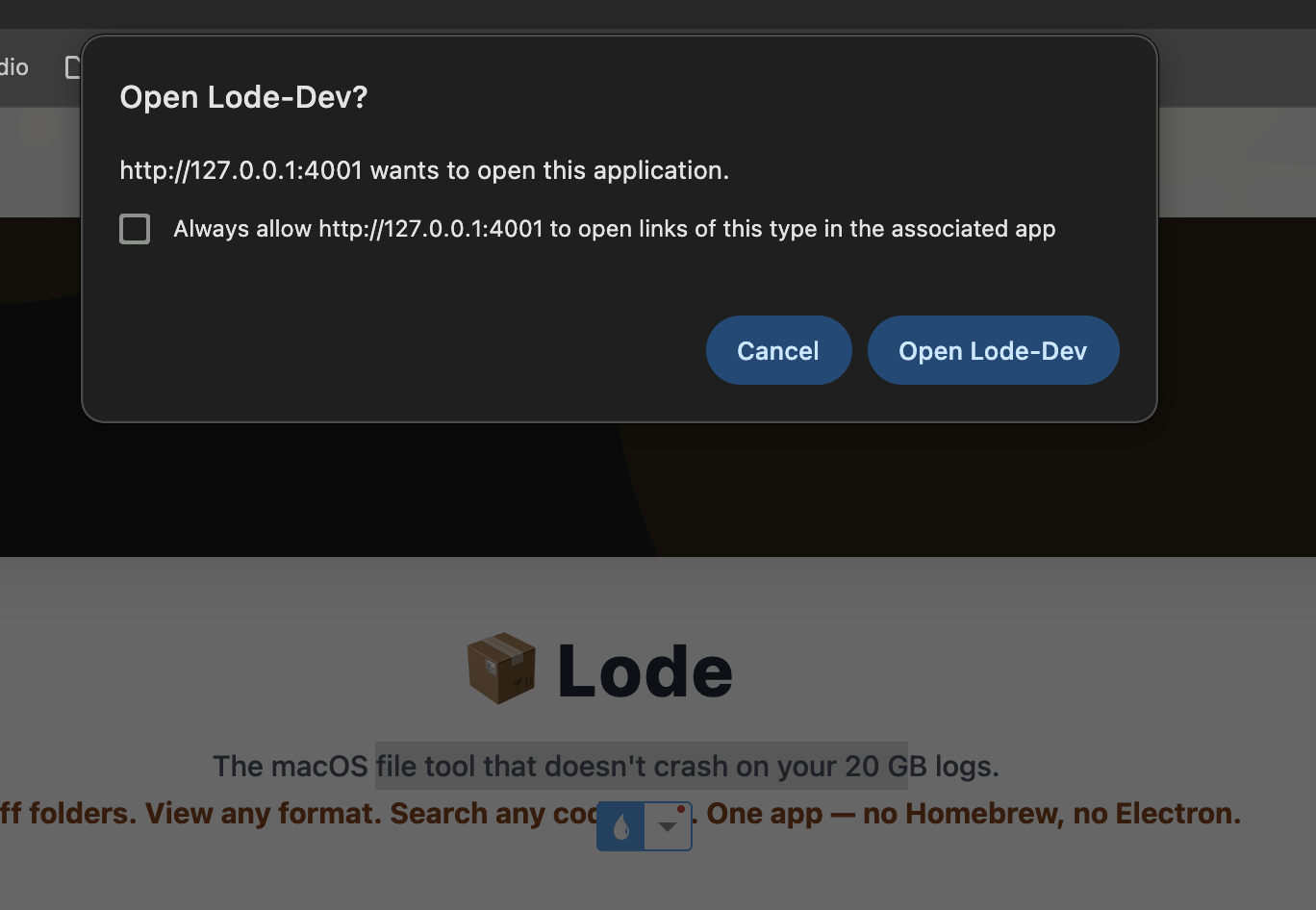
A bookmarklet lives in your browser toolbar. Select any text on a web page, click it, and the content is sent via the lode://append URL scheme directly to a local .md file on your Mac — no server involved.
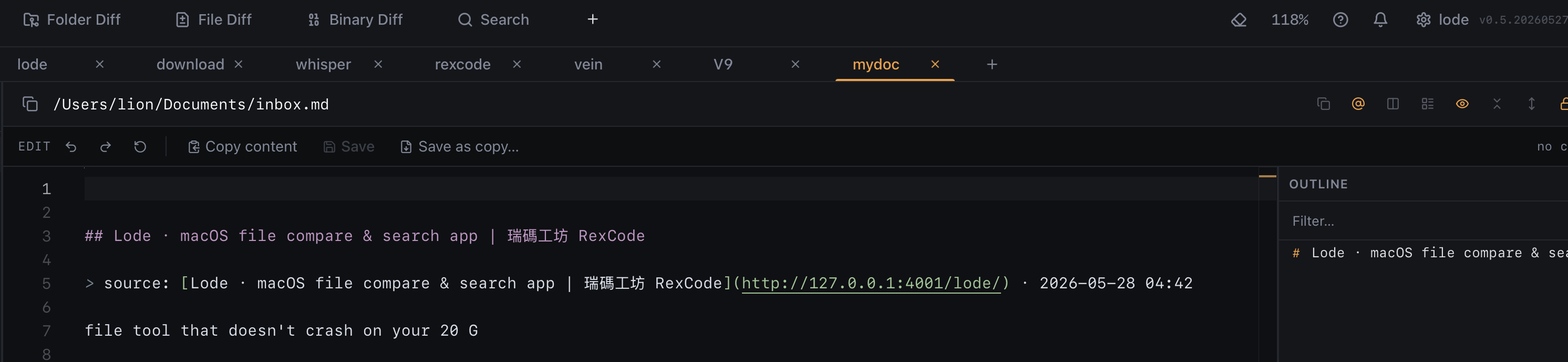
Each clipping is automatically formatted with a title, source URL, and timestamp:
## Page Title

> source: [Page Title](https://...) · 2026-05-28 12:43

Selected text...
Setup
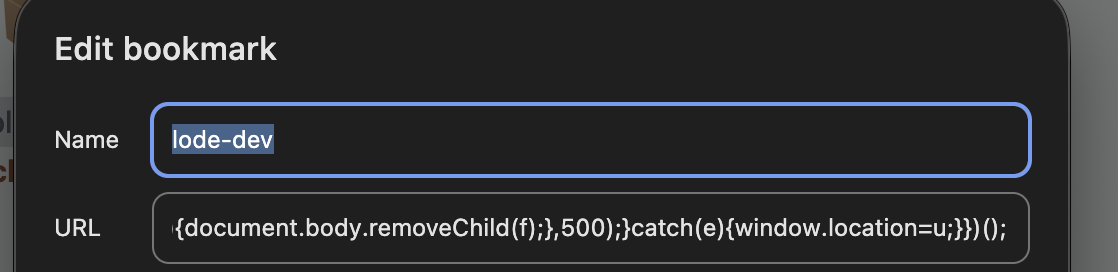
- Open Settings → Web Clipper in Lode and set your target file path (e.g.
/Users/you/inbox.md). - Copy the generated bookmarklet and drag it to your browser's bookmarks bar.
- Select text on any web page → click the bookmark → content is appended immediately.
Highlights
- Fully local — data is written directly to your file, no server ever sees it.
- Any browser — Chrome, Safari, Firefox, Arc (bookmarklet is universal).
- Markdown-ready — title, source link, and timestamp generated automatically.