
🖼 Viewer — Multi-Picture View
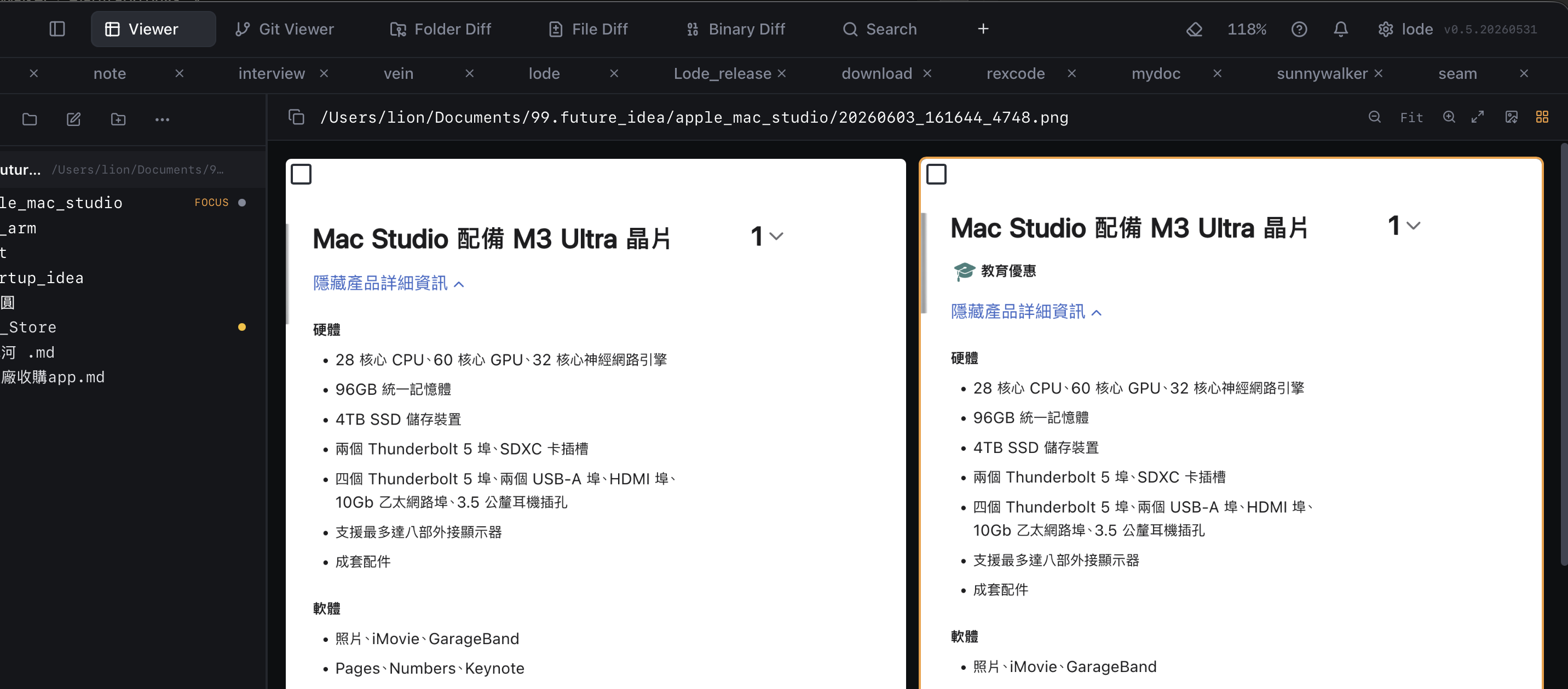
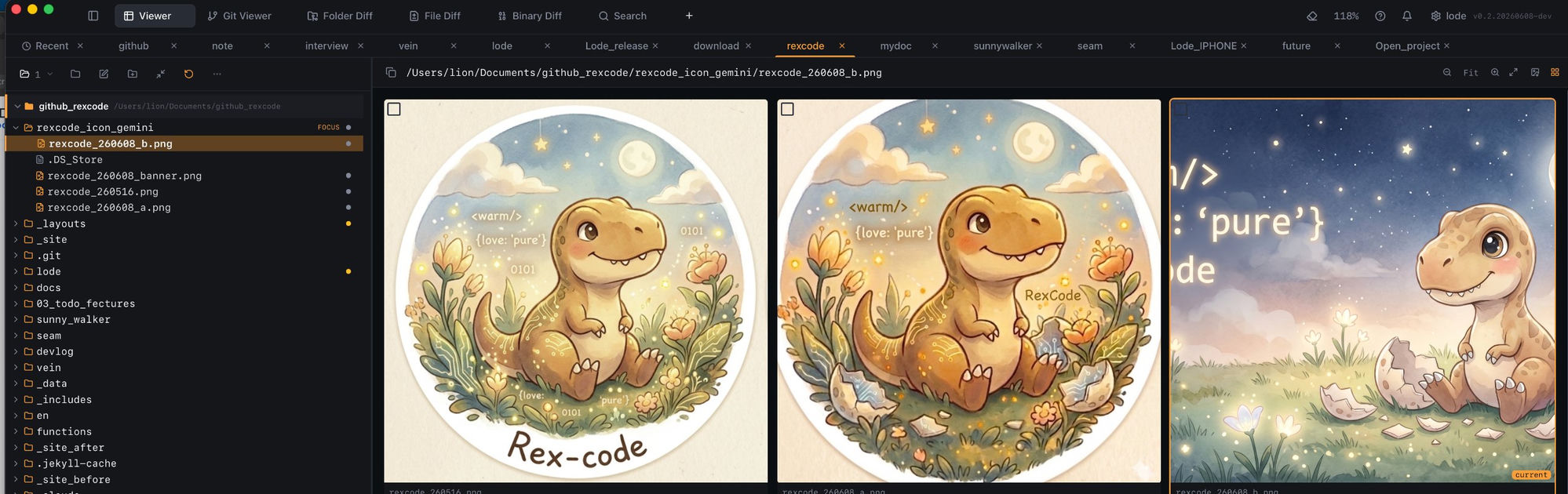
Drag a folder into Lode, click any image — instant multi-tab side-by-side preview. No "Open With." No separate app. Just files → viewer → done.
Highlights
- Instant open — drop a folder, click any image, it opens immediately in a tab.
- Multi-tab side-by-side — open multiple images at once and compare them in parallel.
- Fit / Actual size toggle — one click to switch between scaled-to-fit and 1:1 pixel view.
- Format support — PNG, JPG, WebP, GIF.
- No extra app — no "Open With", no Preview.app, no setup.